APKPure
APKPure quick access to update your apps and games without registration

Safe & Secure
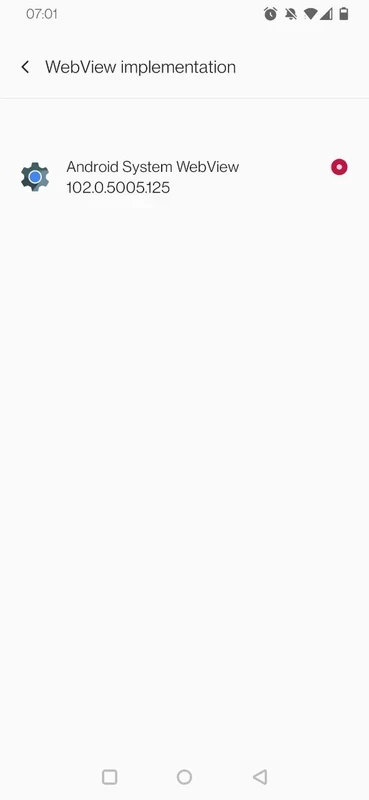
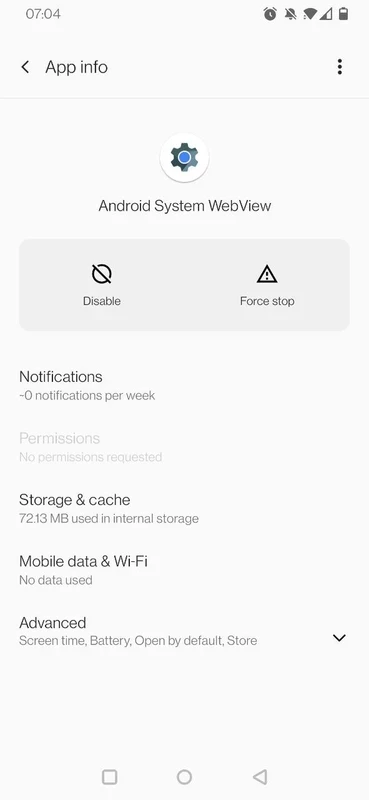
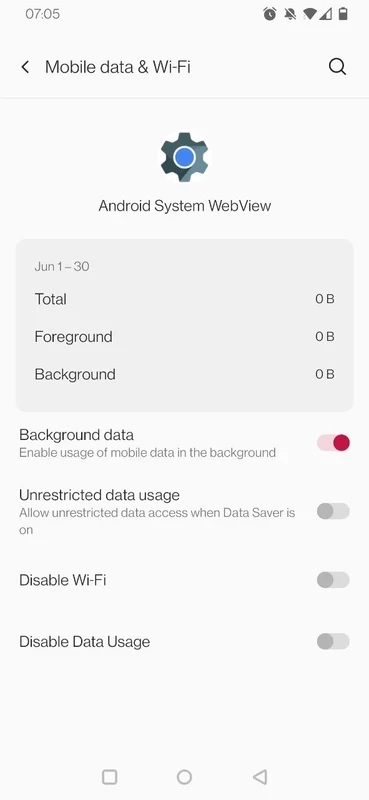
Android System WebView is a comprehensive utility to open web content right inside an app, as it opens links as part of the app itself. It comes pre-installed in Android devices and is necessary for the efficient workflow of multiple apps dependent on it. It is powered by Google Chrome and based on the open-source Chromium engine
To display web content within an app on Android devices is possible through a traditional web browser and an Android utility called WebView. It helps to add browser functionality to any app, and render webpages and execute scripts within the app.
WebView is a powerful Chromium-based utility developed by Google LLC, and falls under the “Tools a& Utilities” category. It uses Chrome technology for displaying links, including logins, articles, forms, and media right inside the app. It makes the loading of webpages process uninterrupted without requiring a separate browser.
It is available by default in all Android devices, and regularly updated through the Google Play Store to maintain its integrity. So, you will find accuracy and efficiency, regardless of the Android version you are using.
The best of the app is its simplicity and working in the background, which helps to avoid any setup inside each app. You need only to enable it while navigating to Settings, select Apps, and find Android WebView. You can also install updates for improved reliability. You can check the status of the app by opening a supported app with web content availability, and test in-app loading while tapping a link or login page. So, you do not need to switch to a separate browser.
The app offers a modern engine for processing web content, as it uses site isolation and sandboxing techniques. It follows the website's permissions, including location or camera, that are controlled by the app and the system. You can easily clear cache and cookies to make the embedded pages clean and clear of stored data. You can also receive regular updates to avoid the common web threats.
The app works as an activity layout inside any app to allow users to open links and HTML content inside the apps without switching to a separate browser. You do not need to go to another third-party application; instead, click the link, load the page, and read articles, submit forms, sign-in flows, and so on.
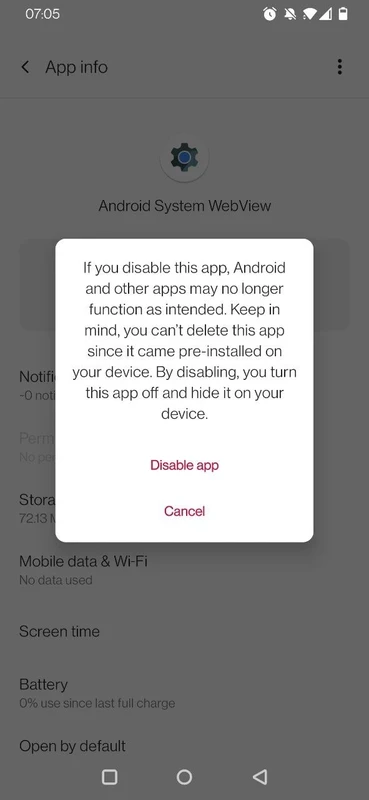
It makes the supported apps safe while offering stability and reliability, and offers improvements to load page, responsiveness, and handling crashes. It can make the supporting apps quicker and smoother, and in case of disabling the app, the supporting apps cannot open links and disturb your everyday tasks.
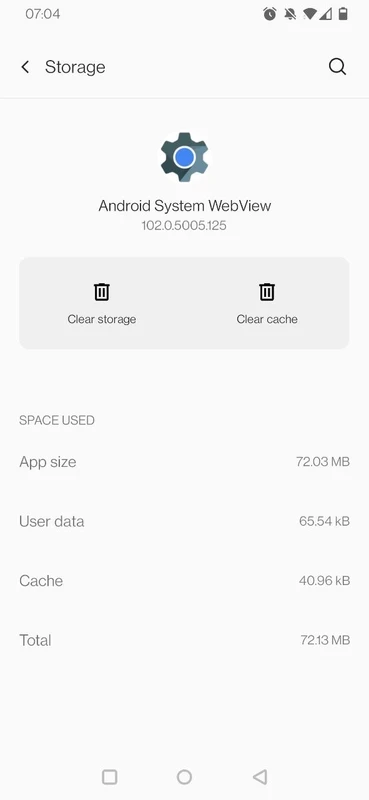
The app also offers an awesome troubleshooting process in case of any failure to load pages inside the app. You simply need to access the “Cache & Storage” section and remove all stored data, and restart the device. You can disable background processes to reduce crashes, specifically on older devices. In case of persisting network issues, toggle on and off the airplane mode, and refresh connectivity. Next, reopen the app to try again.
The support of Android WebView API enables developers to get predictable behavior, specifically browsing through social media platforms, and you can easily access any type of web content. For example, if you have received a link in a group chat on WhatsApp, you can reliably click the link, and it will render to the specific page, instead of copying the link and paste in the browser to open it. This is the best solution for rendering to pages, forms, and media without leaving the app.
Despite of little capacity, the app offers services similar to a full-blown browser. So, you can use the app for multiple purposes, such as text searching, content scrolling, and scaling, without switching to another app. In this way, you can save time and even hardware resources, as it allows you to avoid launching a separate web browser. It is also the best solution to save your battery life.
The app has frequent updates that are regularly delivered to offer security patches, performance fixes, and compatibility improvements. You need only to install the latest updates to ensure the display of login pages, payment screens, and support articles inside your favorite apps.
Pros
Cons

APKPure quick access to update your apps and games without registration

vnROM BYPASS FRP GOOGLE ACCOUNT from your Android device

Aptoide APK provides limitless apps to install and share

Download Google Play Store APK for Android and enjoy your favorite Android apps or games on your mobile devices

FRP Bypass is a free tool used for bypassing the Google lock, screen lock, and factory reset.

InstaUp automates your Instagram followers free of charge